
Affiliate disclosure: Tech Talk Pets may earn a commission when you purchase through links on our site, at no additional cost to you. This does not influence our research or recommendations. As an Amazon Associate, Tech Talk Pets earns from qualifying purchases. Learn more.
Pet robots fall somewhere between a pet camera and a toy. They roll around your home, stream video and, depending on the model, can play laser games or toss treats while you’re away. We compared four moving robots and one stationary alternative using official spec sheets, support docs and owner reviews to see how they differ on mobility, camera, pet play and battery.
This guide is based on manufacturer spec sheets, product FAQs and owner reviews. We have not used these products ourselves; see How We Research Products. Checked October 2026.
Top Picks
- Enabot EBO Air 2
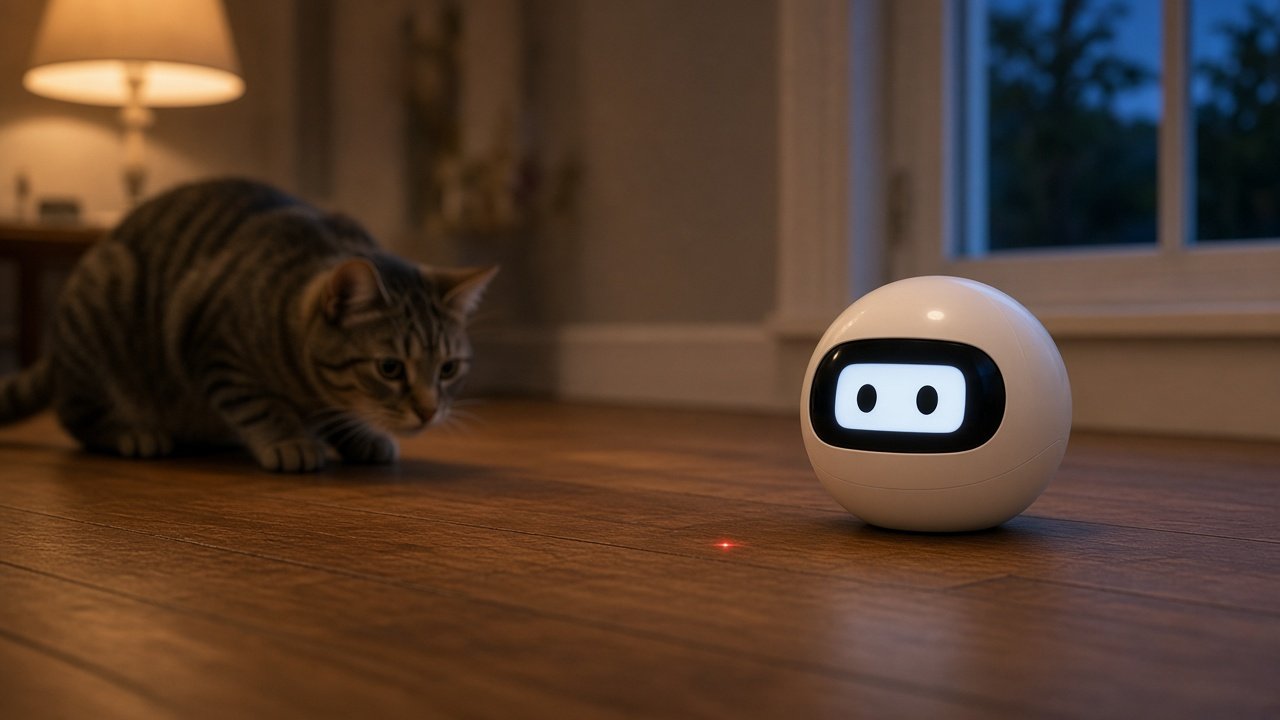
Best for: Value pet play. A small rolling robot with a 2K camera, a built-in laser and auto-docking.
Check price - Enabot ROLA PetPal
Best for: Treats and toys. A pet-focused robot with a 2.5K camera, treat dispenser and laser and stick games.
Check price - Enabot EBO Air 2 Plus
Best for: Longer roaming. A 3K camera, a larger battery, two-way video and scheduled patrols.
Check price
Comparison Table
| Enabot EBO Air 2 | Enabot ROLA PetPal | Enabot EBO Air 2 Plus | Enabot EBO Max | Petcube Play 2 (stationary) | |
|---|---|---|---|---|---|
| Moves? | Yes | Yes | Yes, scheduled patrols | Yes, V-SLAM with manually set routes | No |
| Camera | 2K (2304×1296), 137° | 2.5K (2880×1620), 135° | 3K (2880×1620), 137° | 4K (3840×2160), 131° | 1080p, 160° |
| Pet play | Laser pointer, sounds, emoji display | Treat dispenser, laser games, play stick, rolling ball | Two-way video, AI chat (no laser, per Enabot) | Two-way video calls, AI recognition | Remote laser and autoplay |
| Max obstacle height | 6 mm | 15 mm | 10 mm | 12 mm | — |
| Battery (per Enabot) | 4–7 hours | 2–8 hours | Up to 4 hours moving; 9–10 hours standby | Up to 3 hours moving; 4–6 hours standby | Plug-in |
| Price tier | $$ | $$$ | $$ | $$$ | $$ |
| Buy | Check price | Check price | Check price | Check price | Check price |
Enabot EBO Air 2
The EBO Air 2 is a compact rolling camera robot (about 95 x 95 x 89 mm, 282 g). It has a 2K camera with a 137° view, two-way audio, a pet laser pointer and a light-up face you can customize. It drives itself back to its charging dock. Enabot includes a 32 GB microSD card and supports cards up to 256 GB, and it works on 2.4 GHz or 5 GHz Wi-Fi. Enabot lists 4–7 hours of battery life, a maximum obstacle height of 6 mm (about 1/4 in) and a 4° climbing slope, so rugs and door thresholds can stop it.
Pros
- Roams the whole floor, not just one room
- Built-in laser and sounds for remote play
- Auto-recharging dock
Cons
- Lowest obstacle and slope limits in this guide
- Two-way audio only, not two-way video
Enabot ROLA PetPal
The ROLA PetPal is Enabot’s pet-specific robot. Enabot describes it as a camera, treat feeder and toy in one: a 2.5K (2880×1620) camera with a 135° view and infrared night vision, a snack module that can dispense treats on a schedule or remotely, and play modes that include a play stick, laser games and a rolling ball, with 9 preset actions and 7 preset sounds in the app. Enabot says AI pet recognition lets it snap photos and short videos of your pet automatically. It crosses obstacles up to 15 mm, climbs 15° slopes, lists 2–8 hours of battery life, returns to its dock when it’s nearby, and works on 2.4 GHz or 5 GHz Wi-Fi.
Pros
- The most pet-focused robot here, with treats and toys built in
- Handles thresholds better than the smaller EBO robots
- Automatic pet photos and clips
Cons
- Largest and heaviest robot in this guide (about 1 kg with the snack module)
- Enabot describes auto-recharge as working at close range, so keep the dock in the robot’s usual area
- Treats need to suit the dispenser
Enabot EBO Air 2 Plus
The Air 2 Plus is a bigger, longer-running version of the Air 2 (116 x 116 x 111 mm, 560 g). Enabot lists a 3K (2880×1620) camera with a 137° view, a 5000 mAh battery (up to 4 hours of continuous movement and 9–10 hours of standby or recording), a 10 mm obstacle height and 15° climbing slope. It adds two-way video, scheduled patrols, AI tracking and an AI chat assistant. Enabot’s FAQ says it does not have a laser. The EBO Air 2S is a near twin with a 2.5K camera and the same battery and mobility specs, and also has no laser.
Pros
- Longer runtime than the Air 2
- Clears higher thresholds than the Air 2
- Two-way video and scheduled patrols
Cons
- No laser, so pet play is limited to video, voice and movement
- Many features are aimed at families rather than pets
Enabot EBO Max
Enabot positions the EBO Max as its “embodied AI” robot. It recognizes family members, learns your home over time, and uses V-SLAM navigation with patrol routes you set up manually. Enabot lists a 4K (3840×2160) camera with a 131° view, two-way video calls, a 12 mm obstacle height, and up to 3 hours of continuous movement (4–6 hours of standby or recording) from a 2500 mAh battery. Enabot says live video streams peer-to-peer and recordings are stored locally on the robot.
Pros
- Sharpest camera in this guide
- Whole-home navigation with scheduled patrols
- Local recording, per Enabot
Cons
- Top price tier, and more than most pet owners need
- Shorter runtime than the Air 2 Plus
- Enabot doesn’t list pet-play features like a laser or treats
Petcube Play 2 (stationary alternative)
If you don’t need a robot that moves, the Play 2 covers a lot of what pet owners want. You get a 160° 1080p camera, night vision, a laser you can aim from your phone, autoplay sessions (about three per hour) and Alexa built in. It’s the simpler, lower-maintenance option for one main room.
Pros
- Nothing to get stuck under the couch
- Alexa built in, with documented voice commands
Cons
- Fixed view of one room
- Laser only, with no treats
Supervised-Play Notes
- Introduce robots slowly. Some pets are scared of moving devices at first. Watch the first sessions and stop if your pet seems stressed.
- Lasers: never aim at eyes, and end sessions with a physical toy or treat. Petcube’s guide recommends both.
- Treats count. Treats from a robot add to your pet’s daily total, so adjust meals accordingly.
- Chewers: robots aren’t chew toys. Check them for damage and keep small parts and cables away from pets.
- Clear the floor. Cords, socks and small items can tangle a robot or end up in a pet’s mouth.
- No behavior guarantees. Robots add enrichment, but we don’t claim they cure boredom, separation anxiety or any medical issue.
Talk to your vet first. A robot is enrichment, not a fix for behavior problems. If your pet is destructive, vocalizes for long stretches or stops eating when left alone, talk to your vet (or a certified trainer) before relying on a gadget. Ask about treat amounts too if your pet is on a diet.
Privacy Considerations
Robots carry moving cameras and microphones through your home. Check how each one handles video: Enabot says the EBO Max streams peer-to-peer and stores recordings on the robot. Use strong passwords and two-factor authentication where available, and keep firmware updated. Our pet tech privacy and security guide covers what connected pet devices collect.
How to Choose
Moving or stationary?
Multi-room homes benefit from a rolling robot. A studio apartment may only need a Play 2.
Laser, treats or neither?
The Air 2 has a laser, the ROLA PetPal adds treats and toys, and the Air 2 Plus and Max focus on video.
Check your floors
Compare each robot’s obstacle height with your rugs and thresholds: 6 mm on the Air 2, up to 15 mm on the PetPal.
Look at runtime
If you’ll check in for long stretches, the Air 2 Plus lists the longest movement time.
Compare storage
All four Enabot robots take microSD cards up to 256 GB.
Make sure it docks itself
Robots that return to their dock are far more practical when you’re away.
Frequently Asked Questions
What’s the difference between a pet camera and a pet robot?
A pet camera sits in one spot. A robot moves around, so it can follow your pet from room to room.
Which pet robot has a laser?
In this guide, the EBO Air 2 and ROLA PetPal list laser play. Enabot says the Air 2 Plus and Air 2S don’t have a laser. The stationary Petcube Play 2 has one too.
Can a pet robot dispense treats?
Yes. The ROLA PetPal has a snack module that dispenses treats on a schedule or remotely.
Are robot companions good for cats?
Many cats chase lasers and moving objects, but interest varies a lot from cat to cat. Supervise early sessions.
The Bottom Line
For most pet homes, the Enabot EBO Air 2 is the value pick: it roams, streams 2K video, plays laser games and docks itself. If you want treats and toys built in, the ROLA PetPal is the most pet-focused robot here. The EBO Air 2 Plus runs longer and clears higher thresholds but skips the laser, and the EBO Max is a premium whole-home monitor. If you only need one room, the stationary Petcube Play 2 is simpler. Whatever you pick, supervise the first sessions and keep the floor clear.