
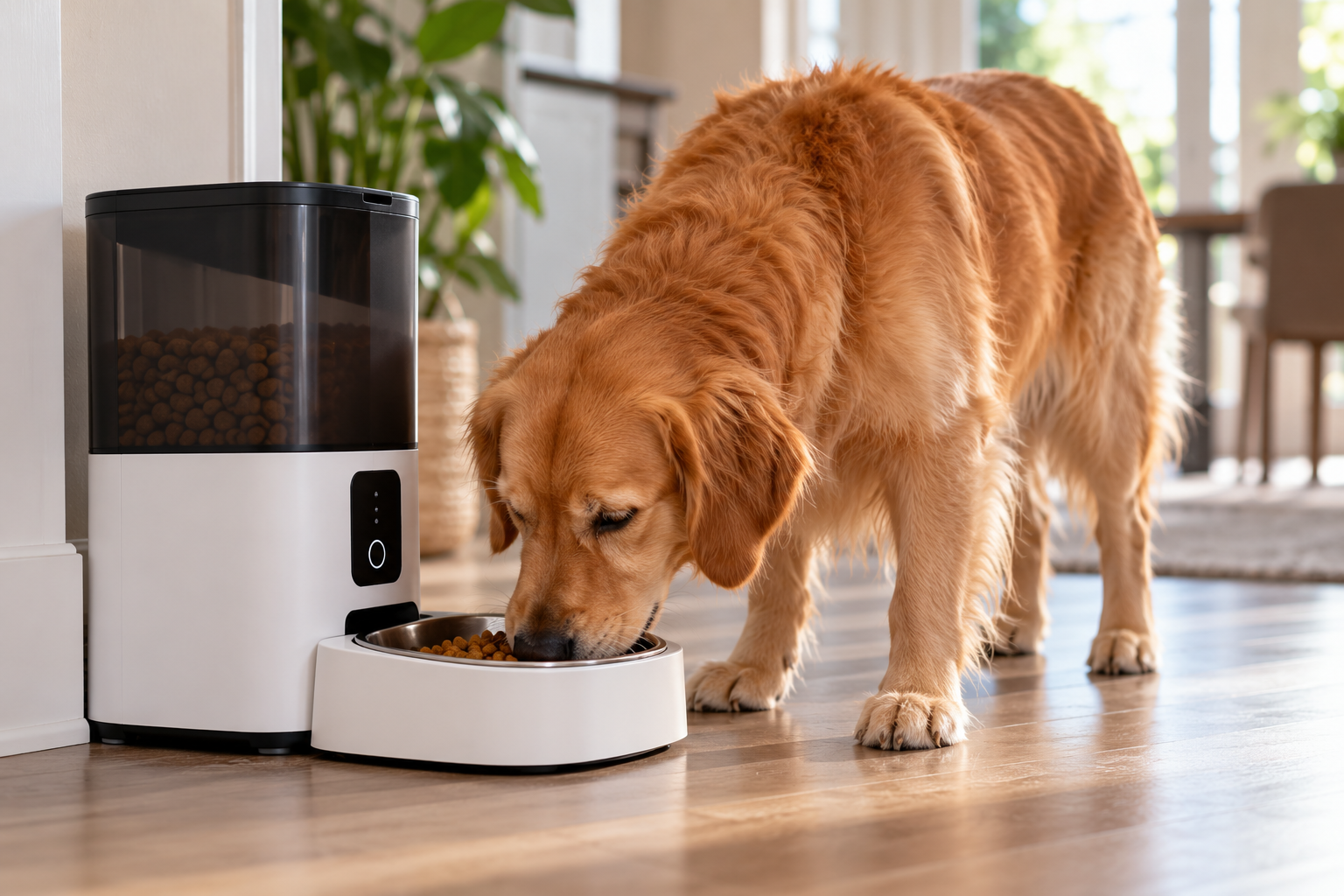
Automatic pet feeders can make feeding schedules easier, especially when you’re away from home. But many newer feeders rely on Wi-Fi and a mobile app for scheduling, notifications, portion controls, and other features.
That raises an important question: What happens if your internet goes out?
The answer depends on the feeder. Some smart feeders store feeding schedules locally and can continue dispensing meals without an active internet connection, while others may lose certain functions until connectivity returns.
Here’s what to look for if reliable feeding during a Wi-Fi outage matters to you.
Wi-Fi Isn’t Always Required to Dispense Food
A smart feeder’s Wi-Fi connection is generally used to communicate with its app and online services. That doesn’t necessarily mean the feeder needs a constant internet connection to physically dispense food.
Some feeders can store an established feeding schedule on the device itself. If the internet connection disappears, the feeder may continue following that stored schedule. However, this behavior varies by manufacturer and model.
Before relying on a feeder while you’re away, verify whether scheduled meals are stored locally or depend on an active internet connection.
What Features Might Stop Working Without Wi-Fi?
Even if scheduled meals continue, losing internet access can affect the features that make a feeder “smart.”
Depending on the device, you may temporarily lose access to:
- Remote feeding from your phone
- Schedule changes through the app
- Feeding notifications
- Low-food alerts
- Device-status information
- Camera or live-video features
- Cloud-based activity history
- Remote monitoring
Once the feeder reconnects, some of these functions may resume automatically.
The important distinction is between the feeder’s basic feeding functions and its connected features.
A Power Outage Is a Different Problem
Wi-Fi failure and power failure aren’t the same thing.
If your internet goes down but electricity remains available, a feeder may still have everything it needs to dispense scheduled meals.
If the electricity goes out, however, the feeder needs another source of power to continue operating.
That’s where battery backup becomes important.
Some automatic feeders support batteries as a backup power source. Others may rely entirely on an electrical outlet, and backup capabilities vary considerably between models.
If outage reliability is important to you, check both offline scheduling and backup power rather than assuming one provides the other.
What Happens If Both the Power and Internet Go Out?
This is the scenario worth thinking about if you plan to rely on an automatic feeder while you’re away from home.
A feeder with a locally stored schedule and functioning battery backup may be able to continue dispensing scheduled meals even when both household power and internet service are unavailable.
But not every feeder is designed this way.
App access and remote notifications may also remain unavailable because the feeder can’t communicate with the internet—even if the mechanical feeding schedule continues normally. This is why an “offline” feeder isn’t necessarily completely functional during an outage.
How to Check a Feeder Before Relying on It
You don’t have to wait for an actual outage to find out what your feeder will do.
After setting up the feeding schedule according to the manufacturer’s instructions, you can review the documentation for offline behavior and backup-power operation.
If the manufacturer indicates that offline scheduling is supported, you can also test the setup under controlled conditions before depending on it while you’re away. Confirm that the feeder behaves as expected and that reconnecting it doesn’t create duplicate or missed feeding events. Manufacturer instructions should take priority because offline behavior differs between products.
Battery Backup Doesn’t Always Mean Full Functionality
Seeing “battery backup” in a product description can sound reassuring, but check what the batteries actually power.
A backup system may allow the feeder to continue dispensing meals while some connected functions are unavailable.
Also check:
- Required battery type
- Whether batteries are included
- Expected backup duration
- Whether the feeder reports low battery levels
- Whether Wi-Fi functions remain available on battery power
- Whether schedules remain stored after a complete loss of power
These details matter much more than simply seeing the words battery backup on a product page.
What About Your Router?
There’s another potential failure point that’s easy to overlook. Even if your feeder has backup power, your home’s Wi-Fi router usually needs electricity too.
During a household power outage, a battery-powered feeder could remain operational while the router shuts down. In that situation, the feeder may continue its locally stored schedule but lose communication with your phone.
A UPS, or uninterruptible power supply, can keep networking equipment running temporarily, but that still doesn’t guarantee internet service if your provider’s equipment is also affected.
For feeding reliability, the safest assumption is that internet access may disappear during a power outage.
Smart water fountains have the same Wi-Fi question: most keep running without the app.
Features to Look for in a Reliable Smart Feeder
If you’re comparing automatic feeders and outage performance is important, look for clear manufacturer information about:
Locally stored feeding schedules
Battery backup
Offline feeding behavior
Schedule retention after power loss
Manual feeding controls
Low-food or jam detection
Battery-status alerts
Reconnection behavior
App and Wi-Fi requirements
Don’t assume that two feeders with similar app features will behave the same way when connectivity disappears.
Ready to compare models? See our picks for feeders with battery backup.
Before you connect a feeder, check its account and privacy settings.
Should You Rely on a Smart Feeder While Traveling?
Automatic feeders can be useful tools, but technology can fail. Food can jam, batteries can die, power can go out, Wi-Fi can disconnect, or a pet can interfere with the feeder.
If you’re leaving a pet for an extended period, an automatic feeder shouldn’t replace appropriate human supervision and care.
For shorter periods, understanding how your particular feeder handles connectivity and power failures can help reduce the chance that a relatively minor technology problem interferes with your pet’s feeding schedule.
To confirm meals while you’re away, add a pet camera that records locally without a subscription.
The Bottom Line
A smart pet feeder may continue working without Wi-Fi, but that doesn’t mean every feature will remain available.
The most resilient designs combine locally stored feeding schedules with backup power, allowing basic feeding functions to continue even when internet service or household electricity is temporarily unavailable.
Before buying—or before relying on a feeder while you’re away—check exactly what happens when Wi-Fi disconnects, power fails, and both disappear at the same time.
Those details can matter more than many of the flashy app features advertised on the box.